


Best ELD compliance systems for US trucking fleets
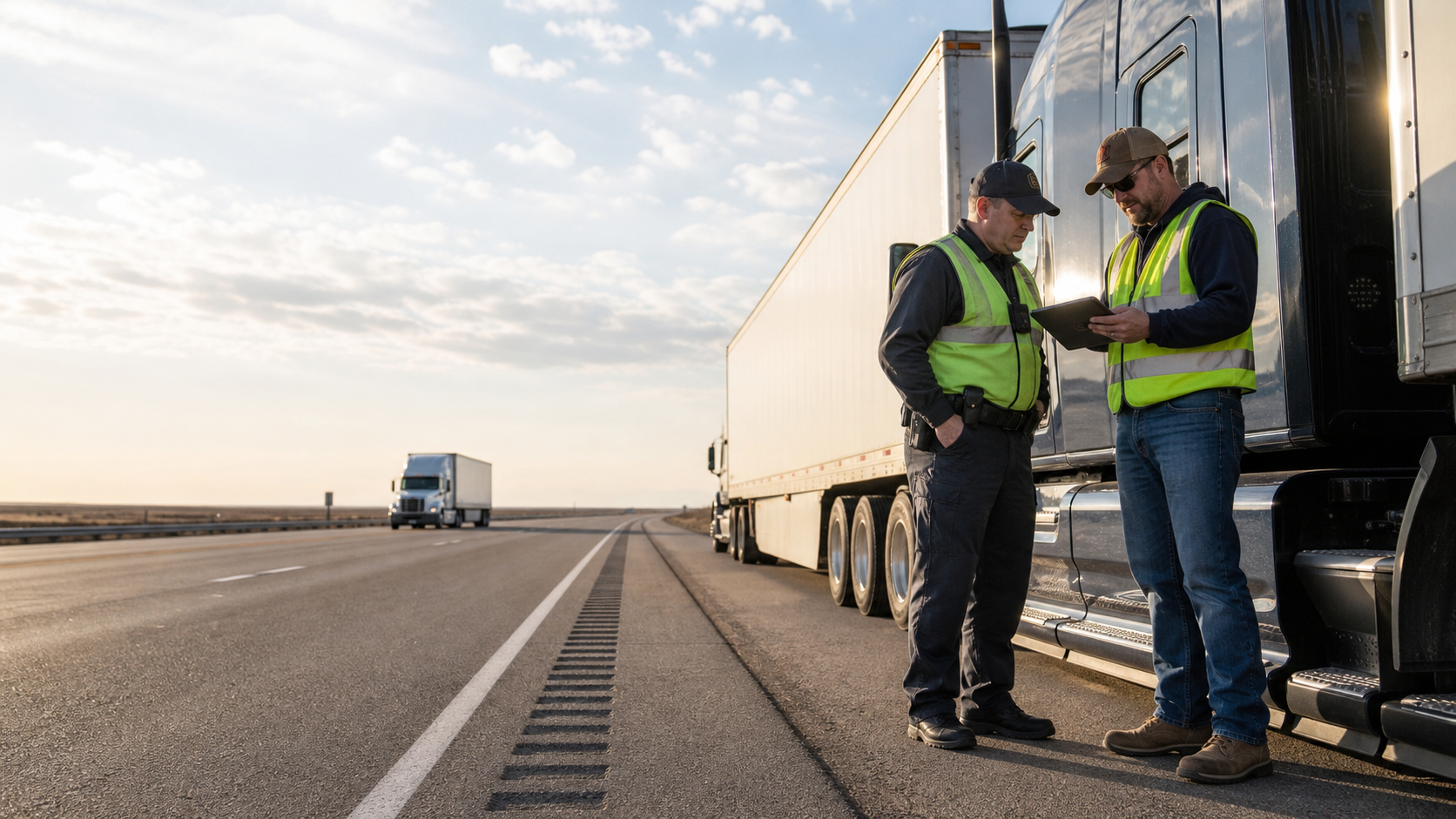


Summary: Every registered ELD meets the same FMCSA baseline. The differences show up in audits, roadside inspections and daily log accuracy. Here's how seven widely used systems compare.
Read time: 12 min
Seven widely used ELD compliance systems for US trucking fleets are Geotab, J.J. Keller, Motive, Omnitracs, Samsara, Verizon Connect and Zonar. All are FMCSA-registered, so the best choice depends on your fleet: compare audit-readiness tools, log accuracy and fit with your vehicles, driver devices and integrations.
Your ELD records every minute your drivers spend behind the wheel. The real test comes when a roadside inspector asks for today's log, or a Department of Transportation (DOT) auditor asks for six months' logs.
The Federal Motor Carrier Safety Administration (FMCSA) ELD mandate has applied to most US trucking fleets since December 2017, with the last grandfathered devices phased out in December 2019. Installing registered electronic logging devices covers the minimum. Clean driver logs, fast roadside transfers and a tidy edit history depend on the system you pick and how your team uses it.
This guide compares seven widely used ELD compliance systems on what fleet operators and compliance leaders care about most: audit-readiness, log accuracy and platform trade-offs.
A note up front: Zonar publishes this guide and makes one of the systems on the list. We've aimed to describe every platform fairly, including our own, and we list them alphabetically.
What is an ELD compliance system?
An ELD compliance system is the hardware and software a fleet uses to record drivers' Hours of Service (HOS) automatically and meet FMCSA rules. It connects to the truck's engine, logs driving time and gives drivers, managers and roadside inspectors access to each driver's record of duty status.
Buyers often use three terms interchangeably. Each covers a different layer:
Electronic logging device (ELD): The FMCSA-registered device and app that records driving time from the engine and produces a compliant record of duty status
HOS compliance software: The back-office tools managers use to catch violations, assign unidentified driving, review edits and run audit reports
Fleet management software: The wider platform the ELD often sits inside, covering GPS tracking, driver vehicle inspection reports (DVIRs), maintenance, fuel and driver safety
Most vendors sell all three layers in one platform. So the choice comes down to how well each layer works for your drivers and your compliance team.
All registered ELD devices meet the same FMCSA technical rules, from the engine connection to roadside data transfer. We cover them in detail in the section on FMCSA's requirements for electronic logging devices.
How do you evaluate ELD compliance systems?
Every FMCSA-registered ELD meets the same technical rules, so the differences that matter for Hours-of-Service compliance show up in three areas: audit-readiness, log accuracy and platform fit.
Audit-readiness criteria
Audit-readiness is how quickly and cleanly your team produces records an auditor accepts. Look for these:
-
Edit and annotation trail: Every change shows who proposed it, who approved it and why.
-
Unidentified driving workflow: Managers assign or annotate unidentified driving segments in a few clicks, before they pile up into an audit finding.
-
Audit and violation reporting: The system pulls HOS violations, form-and-manner errors and edit history by driver and date range.
-
Roadside transfer reliability: Drivers complete a transfer in a few taps.
-
Supporting document storage: Fuel receipts, bills of lading and dispatch records sit alongside driver logs for six months.
-
Malfunction handling: The system flags malfunctions, alerts managers and walks drivers through the paper fallback.
Log-accuracy factors
Accurate driver logs head off many of the problems audits uncover. These factors shape accuracy day to day:
-
Engine connection stability: Frequent disconnects create gaps and unidentified driving.
-
Automatic duty status changes: The device switches drivers to driving when the truck moves, which cuts manual errors.
-
Location accuracy: Precise location data makes each duty status change, and each edit, easier to explain.
-
Offline logging: Records sync cleanly after drivers log through dead zones.
-
Special driving categories: Drivers select personal conveyance and yard moves correctly, and managers review them in one place.
-
Driver experience: Plain-language warnings before a violation keep drivers from guessing, and a driver pilot tells you more than a sales demo.
Platform trade-offs
The biggest trade-offs are driver hardware, platform breadth, integrations, vehicle coverage, support and contract terms:
-
Dedicated device or bring-your-own device: In-cab tablets offer durability and control, while driver phones mean less hardware but more device management.
-
Standalone ELD or full platform: A standalone ELD system is simpler to roll out, while a full platform puts logs, inspections, maintenance and safety data in one place.
-
Integrations: Check connections to your transportation management system (TMS), payroll and maintenance tools, plus API access.
-
Mixed fleets: Confirm support for every vehicle class, model year and diagnostic connector you run.
-
Support and onboarding: Ask who trains drivers and how fast support responds during a roadside stop.
-
Contract terms: Hardware ownership, term length and exit terms shape what it takes to switch later.
How do widely used ELD compliance systems compare?
The seven widely used platforms differ most in driver hardware, platform scope and the fleets they're built around. All offer FMCSA-registered ELDs with HOS alerts and roadside transfer. We list them alphabetically.
| Platform | Best fit | Driver device | Platform scope | Compliance strengths |
| Geotab | Fleets of nearly any size, including public sector, that want open data and custom integrations | Geotab Drive app on drivers' own or company-issued phones and tablets, paired with a GO telematics device | MyGeotab platform with video, maintenance, fuel and EV tools, plus an open API, software development kit (SDK) and the Geotab Marketplace | Unidentified driver logs report, Violations report, audit logs that record each edit |
| J.J. Keller | Fleets that want compliance services and DOT recordkeeping alongside their ELD | Encompass ELD App on phones, tablets or J.J. Keller Compliance Tablets, paired with an in-vehicle ELD such as the VT100 | Encompass Fleet Safety & Compliance Platform with ELogs, vehicle tracking, eDVIR and optional video, plus compliance services | Log auditing, unassigned driving reports, driver qualification files, training and consulting |
| Motive | Fleets that want ELD, safety, fuel and spend tools on one platform | Motive Driver App on drivers' own or company-issued phones and tablets, paired with the Motive Vehicle Gateway | Motive Platform with AI dashcams, the Motive Card fuel card, spend management, maintenance and workforce tools, plus an open API and app marketplace | Unidentified trip workflow, HOS violation reports, IFTA mileage reporting |
| Omnitracs (a Solera solution) | Over-the-road carriers and last-mile distribution fleets that want dedicated in-cab hardware | Mix-and-match hardware, including the IVG in-cab touchscreen and the XRS mobile ELD, plus the HoursGo companion app | Omnitracs One applications within the Solera Fleet Platform, including SmartDrive video DVIR, maintenance IFTA and Roadnet Anywhere routing, plus a documented integration API and certified TMS partners such as TMW | Unassigned driving reconciliation, driver approval of carrier edit, Edit Audit Report |
| Samsara | Fleets of nearly any size that want ELD, safety, routing and integrations on one platform | Samsara Driver App on drivers' own or company-issued phones and tablets, paired with the Samsara Vehicle Gateway | Connected Operations Platform with AI dashcams, maintenance, fuel monitoring, route planning and commercial navigation, plus an open REST API and App Marketplace | Unassigned HOS workflow, HOS violation and audit transfer reports |
| Verizon Connet | Mixed and vocational fleets that want ELD, field service and routing tools on one platform | Reveal ELD Logbook app on drivers' own or company-issued phones and tablets, paired with Verizon Connect vehicle hardware | Verizon Connect Reveal platform with AI dashcams, maintenance, DVIR, work orders, routing and navigation, plus a developer API and Marketplace | Unidentified miles workflow, driver review of carrier edits, IFTA tools |
| Zonar | Mixed, vocational and public-sector fleets that run light-, medium- and heavy-duty vehicles in one account | Zonar Logs™ app on Zonar-managed in-cab tablets, including Samsung Galaxy Tab Active and MiTAC models | Zonar fleet management software with Zonar EVIR® inspections, maintenance and diagnostics, dashcams and partner IFTA reporting, plus a RESTful API, a Partner API program and the Zonar Marketplace | Unidentified Driver Log workflow with bulk assignment, driver-approved edits with an audit trail, HOS Violations Report, time-stamped EVIR inspection records |
Here's what each platform does best and what to weigh before you choose it.
Geotab
-
Best for: Fleets that want open data, custom integrations or a mix of driver devices, from local trades to large carriers and public-sector fleets.
-
Strengths: Geotab Drive runs on drivers' own phones or company tablets, and MyGeotab flags HOS violations, unidentified driving and every log edit. The open API, SDK and Geotab Marketplace give fleets wide room to connect TMS, maintenance and fuel tools.
-
Trade-offs to weigh: Geotab sells only through authorized resellers, so onboarding, training and support depend on the partner you choose. Test Geotab Drive on the devices your drivers will carry.
J.J. Keller
-
Best for: Fleets that want their ELD, DOT recordkeeping and compliance services from one vendor, across vehicle Classes 1 to 8.
-
Strengths: J.J. Keller brings a long history in DOT compliance consulting and training to its Encompass platform, which audits drivers' logs, flags impending violations and keeps driver qualification and DVIR records in one place. Its Hours of Service Management service also brings in logs from other ELDs, including Geotab, Omnitracs, PeopleNet and Zonar.
-
Trade-offs to weigh: J.J. Keller offers API integration as a support service rather than a public API or app marketplace. If your fleet runs a TMS or payroll system, ask how Encompass would connect to it before you commit.
Motive
-
Best for: Fleets that want ELD, safety, fuel and spend tools on one platform, with customers ranging from a 50-truck fleet to a vegetation management company with more than 3,000 vehicles and equipment.
-
Strengths: Motive, formerly KeepTruckin, covers HOS violation reports, unidentified trip assignment, edit approvals with annotations and IFTA mileage in its Compliance Hub. An open API and the Motive App Marketplace connect named TMS and payroll systems.
-
Trade-offs to weigh: The platform spans dashcams, fuel cards, spend and workforce tools, so map the modules your compliance team needs before you evaluate the full suite. Drivers use phones and tablets your fleet supplies, so plan for device management.
Omnitracs
-
Best for: Over-the-road carriers and last-mile distribution fleets that want dedicated in-cab hardware, a mobile ELD or both. Omnitracs serves nearly 15,000 customers.
-
Strengths: Fleets can mix the IVG in-cab touchscreen and the XRS mobile ELD across business units. Compliance teams get unassigned driving reconciliation, driver approval of carrier edits and an Edit Audit Report, and the Omnitracs One integration API and certified TMW integrations connect HOS data to dispatch.
-
Trade-offs to weigh: Omnitracs is a modular portfolio with several product names, so confirm which hardware, apps and platform you'd run. Payroll runs through the Solera Sylectus TMS, so ask how Omnitracs would connect to an outside payroll system.
Samsara
-
Best for: Fleets of nearly any size that want ELD compliance, safety, routing and integrations on one platform, including small businesses with fewer than 11 vehicles through Samsara's support program.
-
Strengths: Samsara's Unassigned HOS report lets managers assign and annotate driving segments, drivers approve suggested edits, and the HOS Audit Transfer Report tracks each roadside transfer. More than 350 App Marketplace integrations and route planning for multi-stop fleets round out the platform.
-
Trade-offs to weigh: Drivers use phones and tablets your fleet supplies, so plan for device management. Third parties build some Marketplace integrations, so confirm which ones support each connection you rely on.
Verizon Connect
-
Best for: Mixed and vocational fleets, such as construction, utilities and field service, that also run trucks under HOS rules.
-
Strengths: The Reveal ELD Logbook app flags unidentified miles for managers to assign, lets drivers accept or reject carrier edits and warns them when an edit would create a violation. Roadside Inspection Mode shows officers eight days of logs, and Reveal adds work orders and multi-stop route planning for service fleets.
-
Trade-offs to weigh: During your demo, ask to see the full edit audit trail and how Reveal connects to your payroll system. Drivers use phones and tablets your fleet supplies, so plan for device management.
Zonar
-
Best for: Mixed, vocational and public-sector fleets that run light-, medium- and heavy-duty vehicles in one account and want HOS and inspections on the same device.
-
Strengths: Drivers use the Logs app on Zonar-managed in-cab tablets from Samsung and MiTAC, and their logs live in the cloud. Managers assign Unidentified Driver Logs in bulk or close them with a No Driver Reason, drivers approve every edit, and each edited entry keeps an audit trail. EVIR time-stamps each inspection zone, and TMS partners include C.H. Robinson, McLeod Software, Ditat and Shipwell.
-
Trade-offs to weigh: Zonar has its deepest roots in public-sector, student transportation and vocational fleets, so long-haul carriers need to confirm the platform fits their dispatch and freight workflows. Zonar shares API documentation directly with customers and partners, so ask for it early if you plan to build custom solutions.
Which ELD compliance system fits your fleet?
The best fit depends on your fleet type. Each type below points to a different shortlist, so find your row and pilot two or three of those platforms before you commit.
| If your fleet is... | Prioritize | Platforms to shortlist |
| A small carrier with fewer than 11 trucks | Small-fleet support and a driver app on phones you already own | Samsara |
| A long-haul enterprise carrier | Dispatch and TMS integration | Motive, Omnitracs, Samsara |
| A last-mile or distribution fleet | Multi-stop route planning and dispatch alongside ELD compliance | Omnitracs, Samsara, Verizon Connect |
| A mixed or vocational fleet | Light-, medium- and heavy-duty vehicles in one account | J.J. Keller, Verizon Connect, Zonar |
| Facing a DOT audit or a rising violation rate | Edit trails, unidentified driving tools and audit reporting | J.J. Keller, Omnitracs, Samsara, Zonar |
| Built around custom systems | Open APIs and data access | Geotab, Motive, Omnitracs, Samsara |
Run the pilot with real drivers on real routes for at least a few weeks. Track unidentified driving, edit volume and how long a roadside transfer takes. Those numbers show which system fits your team.
What does FMCSA require from electronic logging devices?
Every registered ELD must meet the same technical rules set out in 49 CFR Part 395, Subpart B, and Appendix A. The 2016 ELD rule behind those standards remains in force as of October 2026. If you want the details behind that shared baseline, here's what it covers.
| Requirement | What it means for your fleet |
| Registration | Vendors self-certify each device, register it through the FMCSA ELD Provider Portal and update the listing with each new software version. If FMCSA revokes a device, fleets using it get a deadline, typically 60 days, to switch. |
| Engine connection | The device syncs with the engine to record engine hours, miles, location and driving time automatically. |
| Roadside data transfer | The device supports telematics transfer (web services and email) or local transfer (USB and Bluetooth). Drivers send logs to inspectors on request. |
| In-cab documents | Drivers carry a user manual, a data transfer instruction sheet, a malfunction instruction sheet and eight days of blank paper logs. |
| Malfunctions | Drivers note the malfunction and notify the carrier within 24 hours. The carrier repairs or replaces the device within eight days, and drivers keep paper logs in the meantime. |
| Edits and annotations | The original record stays intact. Every edit carries an annotation, and drivers approve or reject edits a carrier proposes. |
| Unidentified driving | The device records driving time when no driver is logged in. The carrier reviews those records and assigns or annotates them. |
| Record retention | Carriers keep ELD records and supporting documents for six months, plus a backup copy of the ELD records on a separate device. |
Property-carrying drivers log against four main HOS limits: the 11-hour driving limit, the 14-hour duty window, the 30-minute break after 8 cumulative hours of driving, and the 60/70-hour weekly limits. The ELD tracks each clock in real time, and the FMCSA online ETHOS tool checks sample logs against the current rules.
What's changed for ELD and HOS rules in 2025 and 2026?
The rules you built your ELD program around still hold. FMCSA has an active rulemaking, "Electronic Logging Device (ELD) Revisions" (RIN 2126-AC50), to clean up the ELD rule text and technical specs, but it hasn't moved past a 2022 advance notice. Two HOS pilot programs launched in 2026 test 6/4 and 5/5 sleeper berth splits and a pause of up to 3 hours in the 14-hour window, but they apply only to enrolled drivers.
FMCSA pulled several noncompliant devices from its registered list during 2026, each time with a deadline to switch. After that deadline, FMCSA treats a driver on a revoked device as having no record of duty status, and roadside officers may place that driver out of service.
Ask any vendor on your shortlist: How do you keep your FMCSA listing current, and what would you do for my fleet if one of your devices got revoked?
ELD audit-readiness checklist
Whichever system you run, review these items monthly to keep DOT compliance on track and stay ready for an audit:
-
Every device in the fleet appears on the FMCSA registered ELD list, with a listing that matches the software version your trucks run.
-
Someone on your team watches the FMCSA ELD News and Events page for revocation notices and replacement deadlines.
-
Every truck carries the user manual, both instruction sheets and eight days of blank paper logs.
-
Managers assign or annotate unidentified driving within a set number of days.
-
Every edit has an annotation, and drivers approve carrier-proposed edits.
-
Your team stores supporting documents for six months, making them searchable.
-
A backup copy of ELD records lives on a separate device or system.
-
Drivers practice a roadside data transfer during onboarding.
-
Managers review HOS violations by driver and follow up with coaching.
-
Your team repairs or replaces malfunctioning devices within eight days.
Ready to compare?
The right ELD compliance system keeps driver logs accurate and audits uneventful. If you'd like to see how Zonar handles HOS and inspections for your fleet, get in touch with our team.
Frequently asked questions
Which trucks are exempt from the ELD mandate?
Most drivers of commercial motor vehicles who keep duty status records, from owner-operators to drivers in large fleets, need an ELD. The main exceptions are drivers who keep paper logs no more than eight days in any 30-day period, short-haul drivers who qualify for the 150 air-mile exception, driveaway-towaway operations where the vehicle is the cargo and vehicles manufactured before model year 2000.
What happens if an ELD malfunctions?
The driver notes the malfunction, notifies the carrier within 24 hours and switches to paper logs. The carrier has eight days to repair or replace the device unless the FMCSA grants an extension.
How long do fleets keep ELD records?
Six months. Carriers keep ELD records and supporting documents for that period, plus a backup copy of the ELD records on a separate device.
Can drivers use a phone or tablet as an ELD?
Yes, if the app and its vehicle connection are registered with the FMCSA as an ELD. The device has to be mounted in a fixed position while the truck is moving and visible to the driver from the normal seated position.
What's the difference between an ELD and HOS compliance software?
The ELD records driving time and produces the legal record of duty status. HOS compliance software is the set of tools managers use to monitor violations, assign unidentified driving, review edits and prepare for audits. Most vendors sell both together.
How do I check whether an ELD is FMCSA-registered?
FMCSA publishes lists of registered and revoked devices on its ELD website at eld.fmcsa.dot.gov. Check your devices against both lists. If FMCSA revokes a device you use, replace it before the published deadline, usually 60 days. After that date, roadside officers may place drivers using it out of service.
How do drivers transfer ELD logs during a roadside inspection?
The driver sends the ELD logs using one of two FMCSA-approved options. Telematics transfer sends them over the internet through wireless web services or email. Local transfer sends them straight to the officer's equipment by USB or Bluetooth. An ELD needs to support only one option, and drivers carry an instruction sheet that explains how. Drivers can also show their logs on the ELD screen.
What is unidentified driving?
Unidentified driving time is when a truck moves while no driver is logged into the ELD, such as after a forgotten login or during a shop test drive. The ELD still records it. The carrier reviews each segment and either assigns it to a driver, who then accepts or rejects it, or annotates the reason no driver applies. Drivers also review unassigned time when the ELD prompts them and claim any that's theirs.