Field service fleet managers have to balance technician schedules, vehicle location, customer expectations, safety, and productivity every day. GPS tracking can show where vehicles are, but geofencing can add another layer of visibility by helping teams monitor when vehicles enter or leave defined areas.
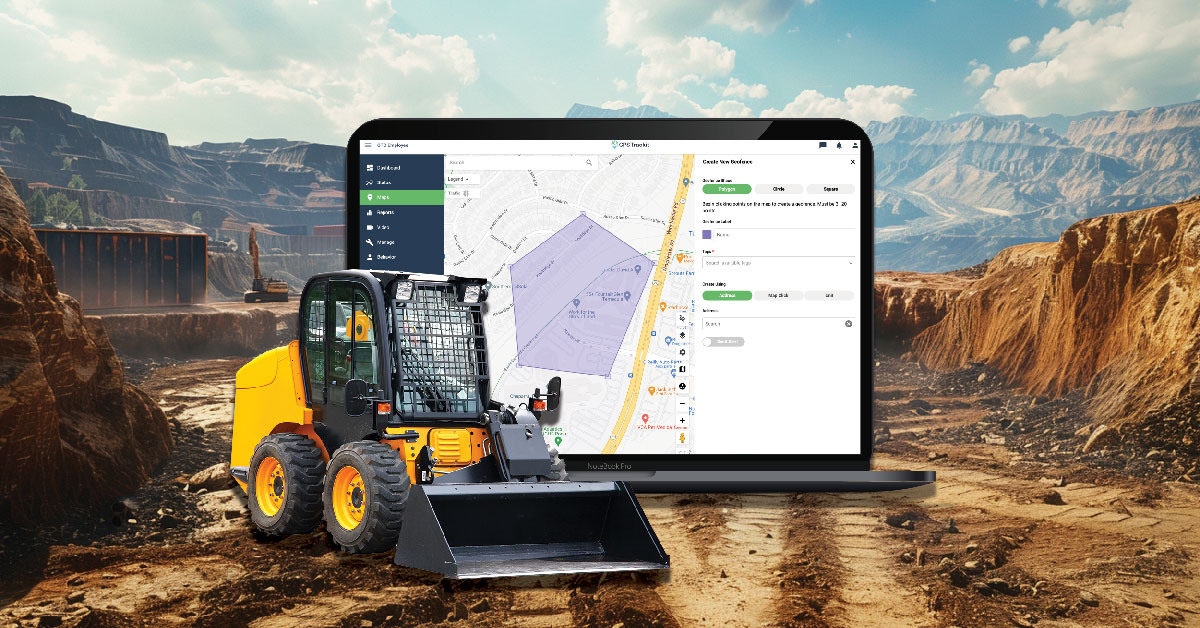
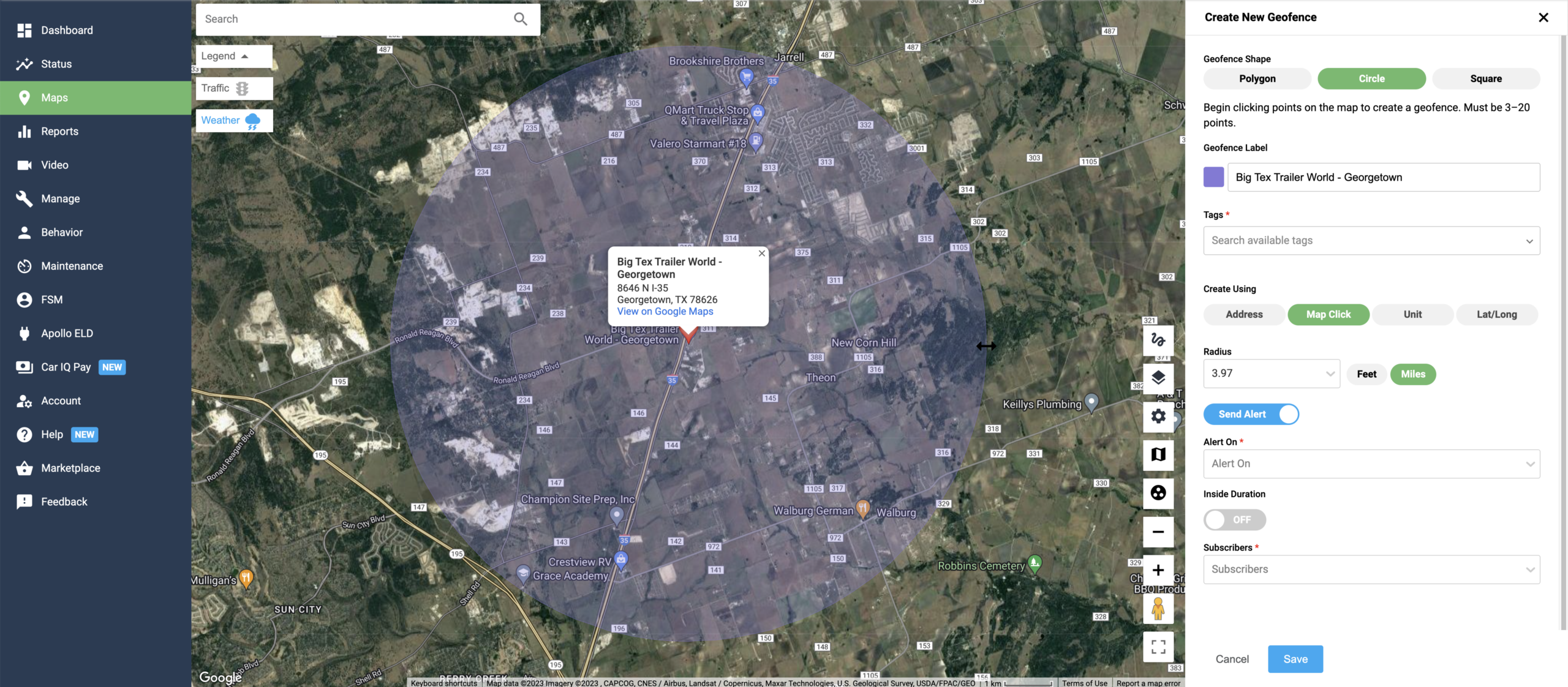
Geofencing uses virtual boundaries on a map. With fleet management platforms like Zonar, fleet teams can create designated zones around service areas, customer sites, yards, branches, restricted areas, or other important locations. When a vehicle enters or leaves one of those areas, the system can trigger an alert or record the event.
For field service operations, geofencing can help managers understand vehicle movement, improve communication, reduce unnecessary miles, and respond more quickly when plans change.
1. Better Time Management
Geofencing can help fleet managers see when field service technicians arrive at or leave a job site. That information can make it easier to understand job duration, travel time, and whether a technician is on schedule for the next appointment.
This visibility can support dispatching, scheduling, and daily workload planning. Instead of relying only on phone calls or manual updates, managers can use geofence activity to confirm when vehicles are moving between assigned locations.
What to define before using geofences
Before setting up geofences, decide which locations matter most, who should receive alerts, what counts as an exception, and how the information will be used in dispatching, reporting, or coaching workflows.
2. Improved Productivity Visibility
Geofencing can help managers better understand how time is being spent across job sites, service areas, and routes. If vehicles are spending more or less time than expected at certain locations, that data can help identify workflow issues, training needs, or scheduling assumptions that should be reviewed.
Over time, geofence data can also help teams compare planned activity against actual activity. That can be useful for improving route planning, technician assignments, and customer appointment windows.
3. Better Fuel and Route Management
Geofencing can support fuel-efficiency efforts by helping managers spot unnecessary trips, route deviations, or vehicles operating outside assigned areas. When combined with GPS tracking and route history, geofence activity can help teams understand where extra miles may be occurring.
Fleet managers can use that information to refine service areas, reduce avoidable detours, and improve route planning. While fuel savings depend on many factors, better visibility into vehicle movement can help teams identify opportunities to reduce wasted time and mileage.
4. Stronger Safety and Asset Security Workflows
Geofencing can help fleet teams monitor important locations and respond when vehicles or equipment move unexpectedly. For example, managers may want alerts when a vehicle leaves a service area, enters a restricted zone, or moves from a yard outside normal operating hours.
These alerts can support safety checks, asset protection, and exception review. They do not replace driver communication or safety procedures, but they can give managers an earlier signal when something may need attention.
5. Better Customer Communication
For field service teams, customer communication often depends on knowing where technicians are and when they are likely to arrive. Geofence activity can help managers confirm arrivals, departures, and progress throughout the day.
With better visibility, teams can provide more accurate updates, respond more quickly to delays, and improve appointment management. That can help create a better customer experience, especially when schedules shift or urgent work appears.
Using Geofencing in Field Service Operations
Geofencing works best when it is tied to clear operational goals. Fleet teams should decide whether they want to improve dispatching, reduce unauthorized vehicle use, monitor job-site activity, protect assets, support customer communication, or improve reporting.
It is also important to avoid creating too many alerts. A focused geofence strategy should highlight meaningful exceptions, not overwhelm managers with noise.
How Zonar Can Help
Zonar helps fleet teams bring vehicle, asset, driver, and operational data into clearer view. With GPS tracking, geofencing, and fleet management tools, teams can improve visibility into field service activity and make more informed decisions across safety, efficiency, productivity, and customer service workflows.
To learn how Zonar can support your field service fleet, contact the Zonar team.