Geofence alerts can help fleet teams monitor when vehicles, drivers, or assets enter and leave important locations. For fleet managers, that added visibility can support route adherence, asset protection, customer communication, job-site documentation, and exception management.
Instead of relying only on manual updates or after-the-fact reports, geofencing gives teams a way to define the locations that matter most and receive alerts when activity falls outside expected patterns.
What Are Geofence Alerts?
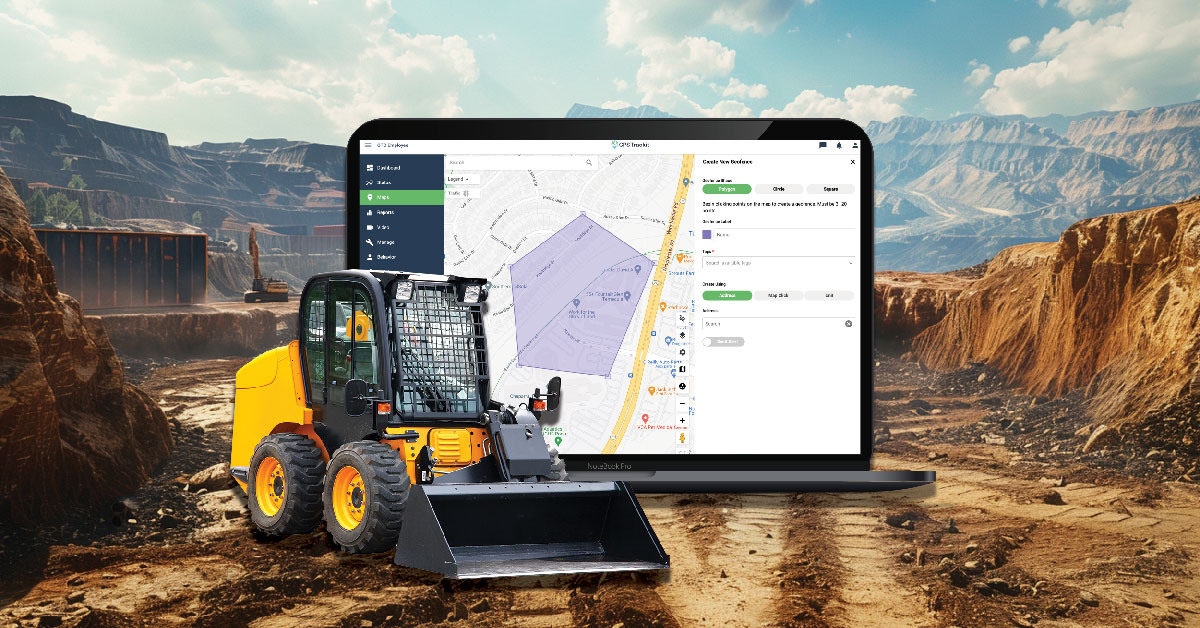
A geofence is a virtual boundary drawn around a real-world location on a map. Fleet teams can create geofences around yards, warehouses, customer sites, service areas, restricted zones, delivery locations, or other places that are important to daily operations.
When a GPS-enabled vehicle or asset enters or exits the defined area, the system can trigger an alert, log the event, or add the activity to a report. This gives managers a clearer view of when vehicles arrive, when they leave, and whether they are operating within expected areas.
Why geofence alerts matter
Geofence alerts help managers focus on meaningful exceptions. Instead of checking every vehicle manually, teams can use alerts to identify activity that may need follow-up, such as an unexpected departure, an unauthorized stop, or a missed arrival at a key location.
How Geofencing Works in Fleet Management
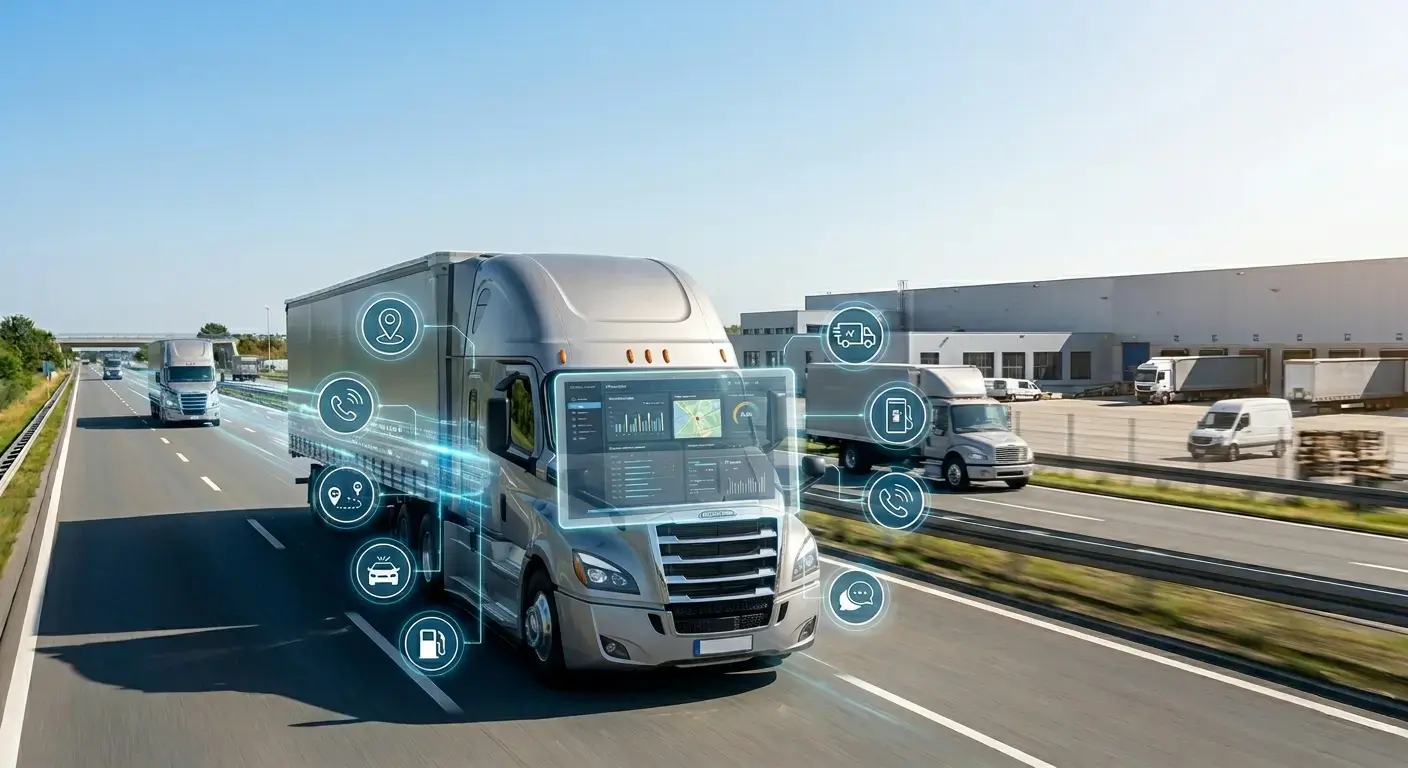
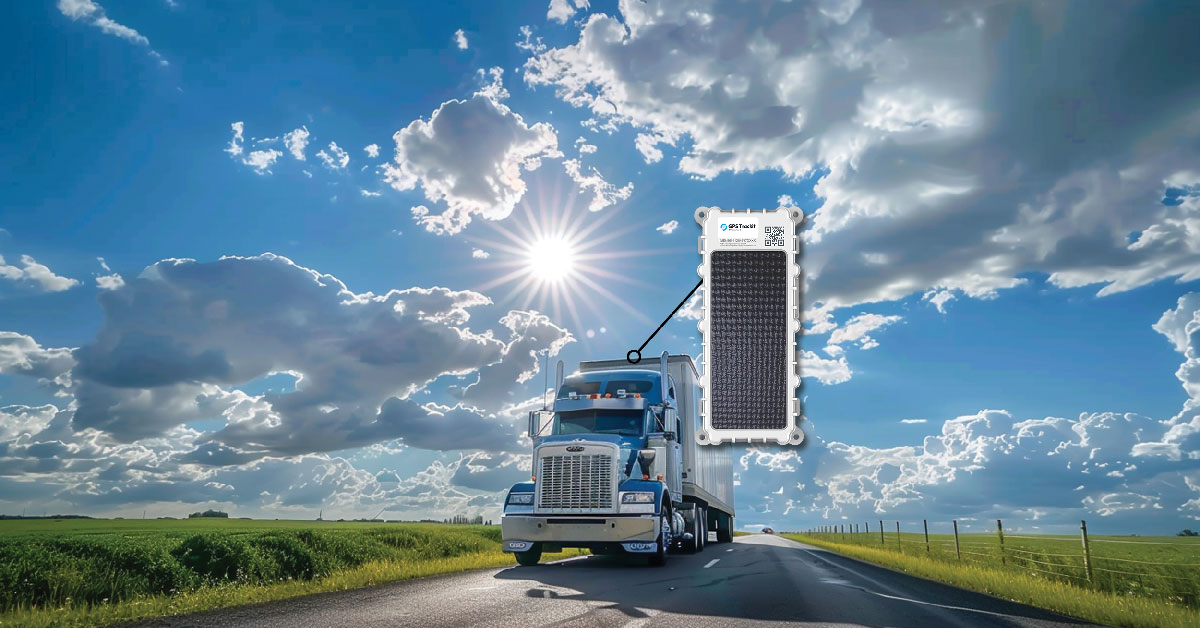
Geofencing typically uses GPS, cellular data, or other location signals to determine whether a vehicle or device is inside or outside a defined boundary. When the device crosses that boundary, the fleet management system records the event or sends a notification.
For fleet operations, this can help with more than basic location tracking. Geofences can support route management, service verification, job-site visibility, yard activity, asset security, and customer communication.
For example, a fleet may use geofences to confirm when a technician arrives at a customer site, when a delivery truck leaves a warehouse, or when equipment moves from a storage yard outside normal operating hours.
Using Geofence Alerts to Reduce Unauthorized Vehicle Use
Unauthorized vehicle use can create avoidable costs, safety concerns, and operational disruption. If a vehicle leaves an assigned route, enters an unexpected area, or moves outside approved hours, geofence alerts can give managers an early signal that something may need attention.
These alerts can help teams investigate unusual activity, confirm whether a route change was legitimate, and reinforce vehicle-use policies. The goal is not to create unnecessary surveillance, but to protect company assets and keep vehicles aligned with business needs.
Supporting Trust and Accountability
For some fleets, geofencing is also a way to demonstrate accountability to customers, administrators, or other stakeholders. This can be especially important for organizations that transport people, serve vulnerable populations, or operate in highly scheduled service environments.
Special Care Transporters Inc., a non-emergency medical transportation provider in Florida, uses fleet visibility to support accountability and client confidence. Manager John Connell explained that being able to show oversight helps give clients peace of mind because the company can demonstrate that vehicles are operating responsibly and within expected service areas.
Improving Operational Efficiency
Geofencing can also support efficiency when it is tied to specific workflows. For example, a fleet may use geofences to alert teams when vehicles are approaching a facility, leaving a job site, or entering a loading area.
Scott Voyna of Reicks View Farms described how geofencing supports feed mill operations by alerting the team when delivery trucks approach the mill. That notice gives operators time to prepare, helping the operation run more smoothly.
How to Set Up Geofences for Your Fleet
Effective geofencing starts with choosing the right locations and alert rules. Too many geofences or alerts can create noise, while too few may miss important exceptions.
Start by identifying locations that are meaningful to your operations, such as yards, warehouses, customer sites, service areas, restricted zones, fuel locations, or common routes. Then decide what kind of activity should trigger an alert.
- Entry alerts: Notify managers when a vehicle enters a defined area.
- Exit alerts: Notify managers when a vehicle leaves a defined area.
- Dwell-time alerts: Show when a vehicle remains in one location longer than expected.
- After-hours alerts: Flag movement during times when vehicles should not be in use.
- Restricted-area alerts: Notify teams when vehicles enter areas they should avoid.
Training Your Team on Geofence Alerts
Geofence alerts work best when teams understand what the alerts mean and how to respond. Dispatchers, managers, drivers, and field teams should know which locations are monitored, why alerts are used, and what the follow-up process looks like.
Clear policies can also help reduce confusion. Drivers should understand how geofencing supports safety, service quality, asset protection, and customer communication rather than viewing it only as a monitoring tool.
How Zonar Can Help
Zonar helps fleet teams bring vehicle, asset, driver, and operational data into clearer view. With GPS tracking, geofencing, alerts, and reporting tools, teams can improve visibility into route activity, location-based events, asset movement, and daily operations.
To learn how Zonar can support your fleet visibility and geofencing goals, contact the Zonar team.