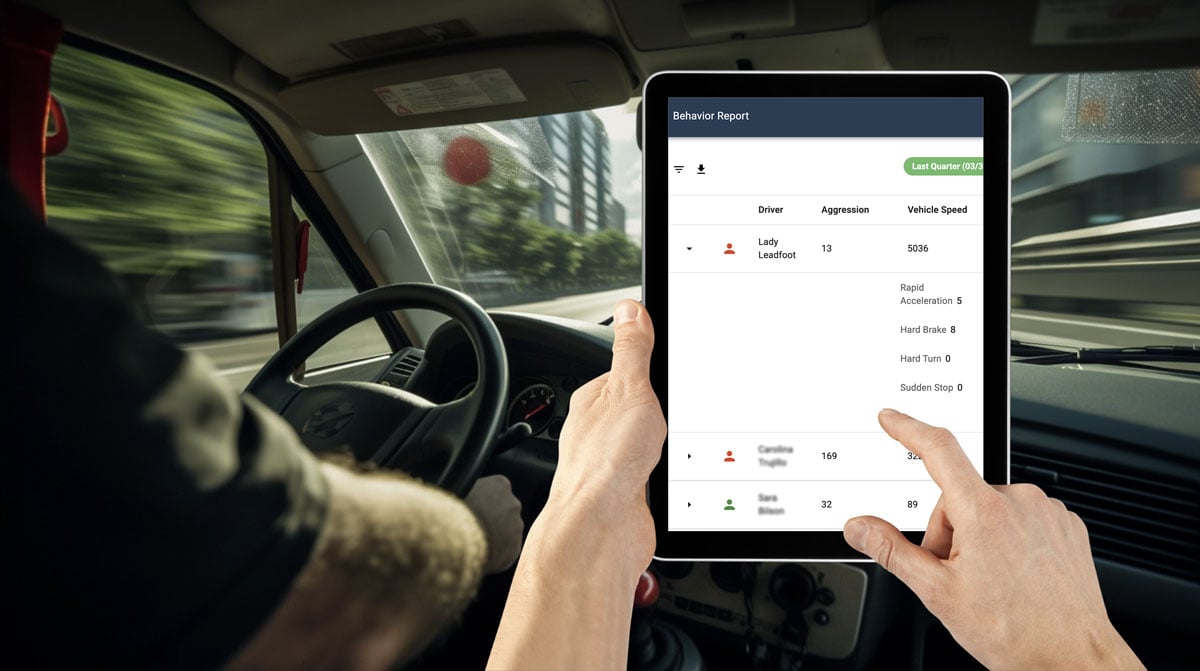
Fleet dash cameras have become an important part of many fleet safety programs. As video telematics technology continues to evolve, newer camera systems can do more than record footage after an incident. They can help identify risky driving events, support driver coaching, and give fleet managers better context when reviewing what happened on the road.
AI-assisted and edge-processing capabilities are expanding what dash cameras can do. For fleet teams, the opportunity is to use video data more effectively while still applying clear policies, driver communication, and responsible data practices.
What Are AI-Assisted Fleet Dash Cameras?
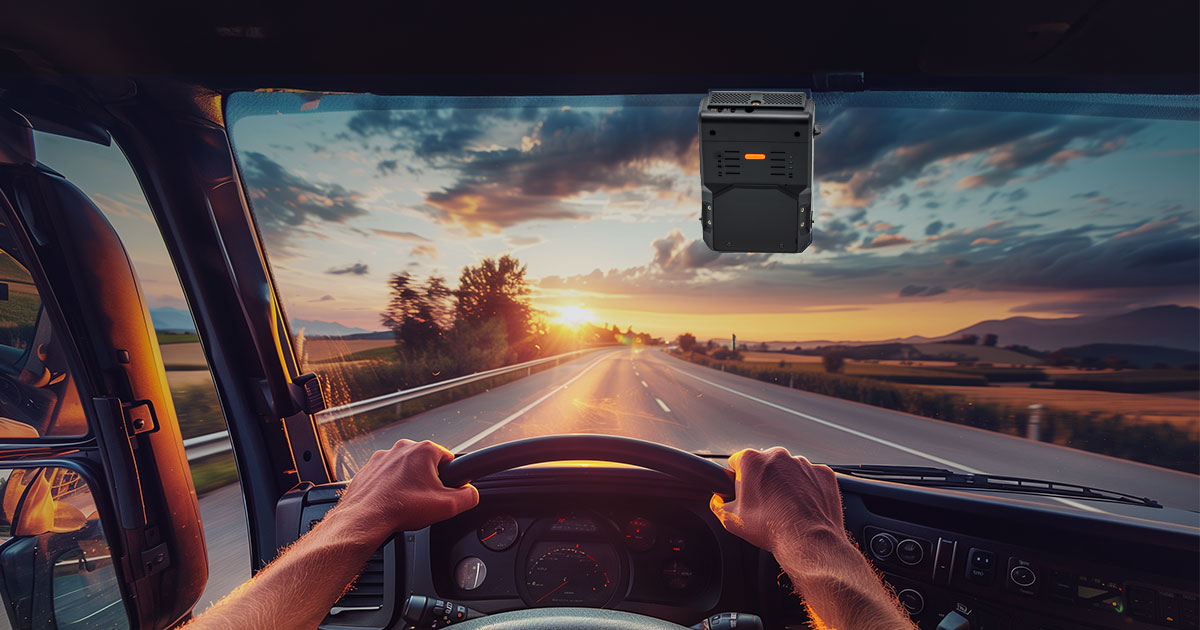
AI-assisted fleet dash cameras use onboard processing, video analytics, and connected fleet management tools to help detect certain driving events. Depending on the system, cameras may identify behaviors such as distracted driving, close following, harsh braking, lane departure, speeding, or possible collision risk.
These systems are designed to give fleet managers better visibility into safety events and help drivers receive more timely feedback. They do not replace driver judgment or a strong safety program, but they can provide useful information for coaching, incident review, and operational improvement.
Why edge processing matters
Edge processing means some analysis happens directly on the device instead of relying entirely on cloud-based processing. This can help reduce latency, limit unnecessary data transmission, and support faster alerts for certain event types.
How Edge AI Supports Fleet Safety
Edge AI can help camera systems analyze video and sensor data closer to where events happen. For fleets, this may support faster detection of certain behaviors and reduce the amount of raw data that needs to be transmitted for review.
Potential benefits may include:
- Timelier alerts: Systems may provide faster notifications for certain events, such as distraction, close following, or sudden braking.
- More focused event review: AI-assisted detection can help managers prioritize events that may need coaching or investigation.
- Reduced data load: Processing some information on the device can reduce the amount of video that needs to be uploaded.
- Support in limited-connectivity areas: Some camera functions may continue operating even when connectivity is inconsistent, depending on the system.
Driver Coaching and Event Review
Dash cameras can support driver coaching by giving managers more context than telematics data alone. A harsh braking event, for example, may look different when video shows whether the driver was reacting to another vehicle, a pedestrian, traffic, weather, or distraction.
Some systems can provide audible or visual in-cab coaching when certain behaviors are detected. These prompts may help drivers correct behavior in the moment, while event review can support follow-up coaching later.
Driver coaching works best when it is consistent, fair, and clearly communicated. Drivers should understand what is monitored, how footage is reviewed, and how the information will be used.
Connectivity and Operational Visibility
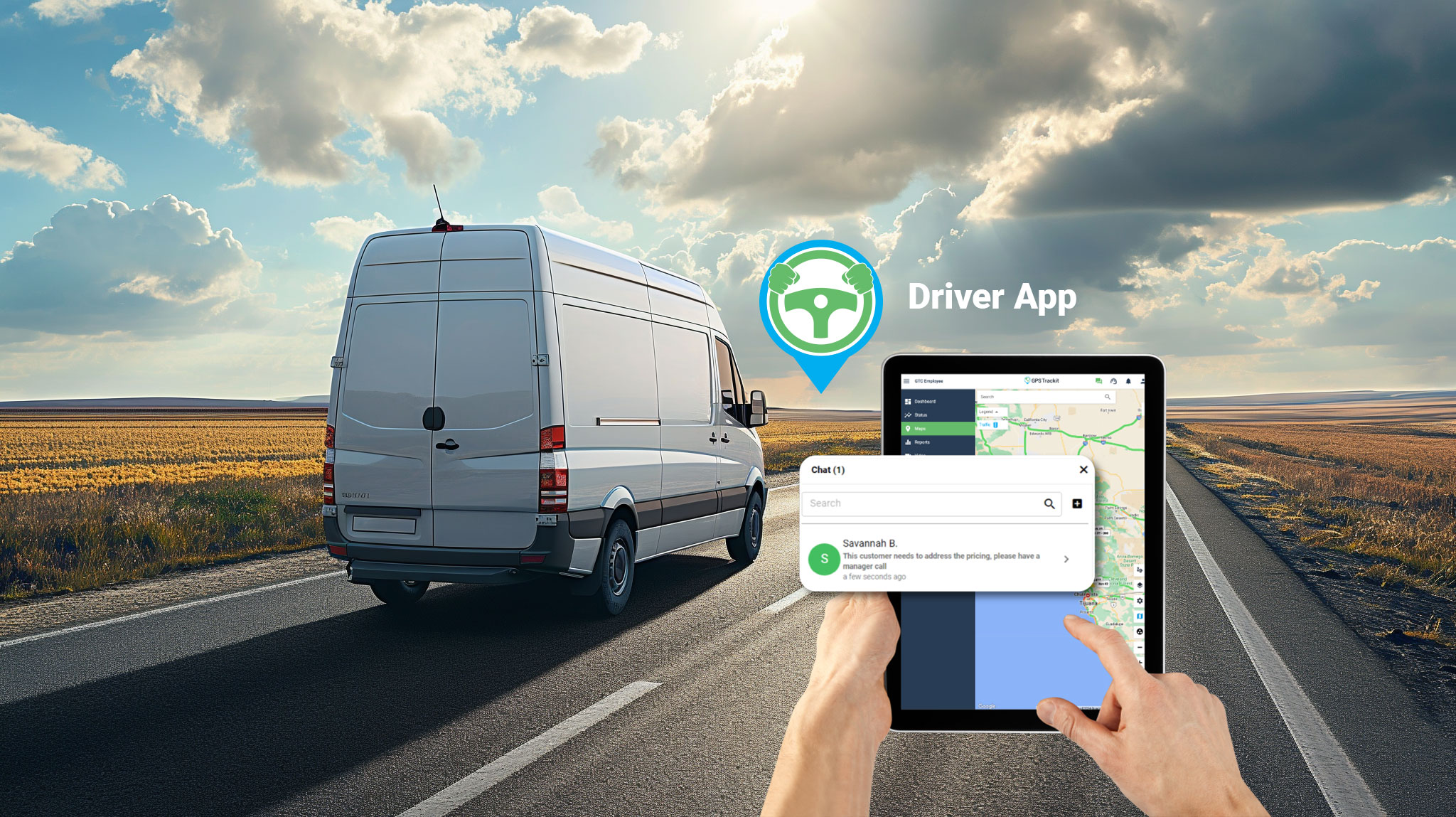
Fleet dash cameras can also support broader operational visibility. Depending on the system, video telematics may connect with GPS tracking, driver behavior reports, geofencing, speed monitoring, maintenance workflows, and other fleet management tools.
These connected workflows can help managers review safety trends, investigate incidents, monitor route activity, and identify areas where additional training or process changes may be useful.
Privacy and Policy Considerations
Any fleet camera program should include clear policies around driver communication, data access, retention, privacy, and acceptable use. This is especially important for systems that include driver-facing cameras, audio settings, automated driver identification, or AI-assisted event detection.
Privacy expectations and legal requirements can vary by location, industry, and use case. Fleet teams should review applicable requirements and consult qualified legal or compliance resources before implementing or expanding a camera program.
What to Look for in a Fleet Dash Camera System
When evaluating fleet dash cameras, teams should look beyond the camera hardware itself. The system should fit the fleet’s safety goals, driver policies, reporting needs, and day-to-day workflows.
- Event detection: Review which behaviors or events the system can identify and how accurately they are surfaced for review.
- Video access: Confirm how clips are captured, stored, requested, reviewed, and shared.
- Driver coaching tools: Look for scorecards, alerts, in-cab coaching, and review workflows that support consistent coaching.
- Integration: Consider whether video connects with telematics, GPS tracking, driver behavior data, and fleet reports.
- Policy support: Make sure the system can be used in a way that aligns with privacy, labor, and compliance expectations.
How Zonar Can Help
Zonar’s video telematics solutions help fleet teams bring safety events, driver behavior, and vehicle activity into clearer view. With connected fleet visibility and video context, teams can support coaching, review incidents more effectively, and make more informed decisions across daily operations.
To learn how Zonar can support your fleet safety and video telematics goals, contact the Zonar team.