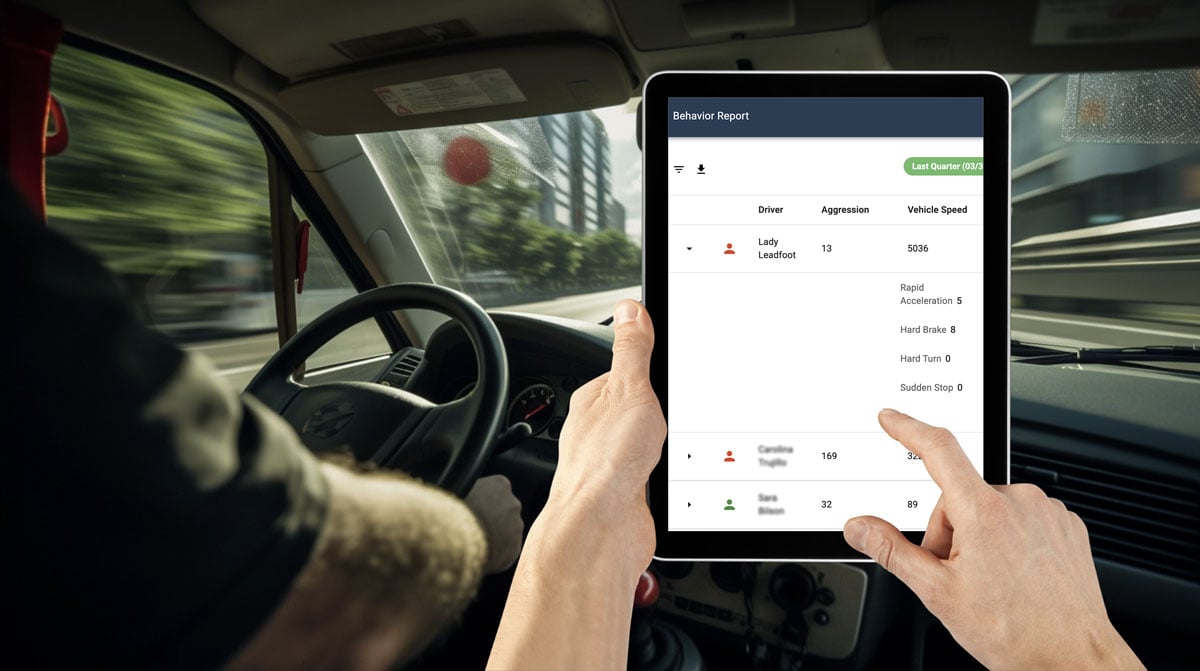
GPS Trackit introduced a new driver app designed to support fleet service management workflows and improve communication between office teams and drivers in the field. The app replaced the previous FSM application and added new tools for routes, forms, driver communication, and reporting.
For fleet teams, a driver app can help reduce manual coordination, give drivers clearer instructions, and make it easier for managers to track progress throughout the workday.
What Is the Driver App?
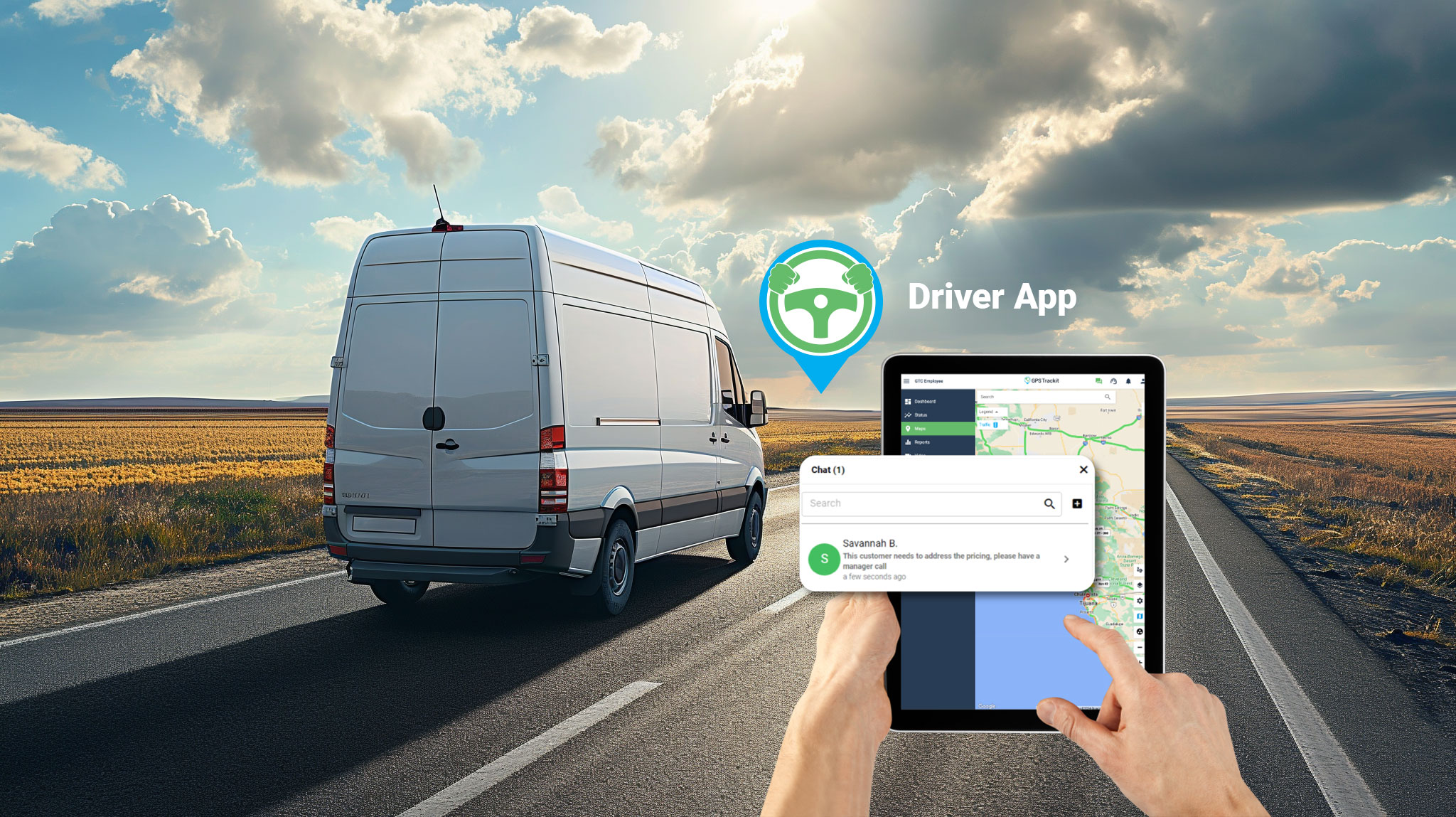
The driver app gives fleet teams a mobile tool for managing field activity, route assignments, forms, communication, and driver-related workflows. Instead of relying only on phone calls, paper forms, or disconnected updates, teams can use the app to keep drivers and office staff better aligned.
The goal is to make daily fleet operations easier to manage by giving drivers a clearer way to receive assignments, share updates, and complete required tasks from the field.
Why driver app workflows matter
When drivers have an easier way to receive routes, complete forms, and communicate with dispatch or management, teams can reduce delays, improve documentation, and make better use of operational data.
Key Driver App Features
The updated driver app introduced several features designed to support communication, routing, forms, and reporting.
- Direct chat with drivers: Built-in messaging helps office teams communicate with drivers in the field without relying entirely on phone calls or separate messaging tools.
- Custom form builder: Teams can create forms tailored to their workflows, making it easier to collect job, route, inspection, or service information.
- Route assignment and progress tracking: Managers can assign routes through the app and monitor progress as work is completed.
- Driver timecard management: Timecard tools can help teams manage driver hours and schedules more efficiently.
- Expanded reporting options: Reporting tools give managers more visibility into driver app activity and completed workflows.
How the Driver App Supports Fleet Operations
A driver app can help fleet teams manage work more consistently. Dispatchers can send assignments, drivers can view what needs to be done, and managers can review progress without waiting for manual updates at the end of the day.
For route-based and field service operations, this can support better task allocation, more accurate documentation, and clearer communication between drivers and the back office.
Using Driver App Data for Better Decisions
When driver activity is captured through a connected app, fleet managers can use that information to review performance, identify process gaps, and improve daily workflows.
Forms, route progress, timecard information, and communication records can all provide useful context. Over time, that data can help teams refine assignments, improve reporting, and support more consistent service delivery.
How Zonar Can Help
GPS Trackit is now part of Zonar, where it continues to help fleet teams bring vehicle, driver, asset, and operational data into clearer view. With connected fleet management tools, teams can improve communication, strengthen reporting, support driver workflows, and make more informed decisions across daily operations.
To learn how Zonar can support your fleet management goals, contact the Zonar team.